
Backend
API Endpoint Naming Best Practices: A Developer's Guide 👨🏻💻
Choosing the right names for your API endpoints is crucial for building an intuitive, consistent, and easy-to-use API.
A
Written byasta-nguyen
16 May 20252 min read940 views
Choosing the right names for your API endpoints is crucial for building an intuitive, consistent, and easy-to-use API. Clear naming conventions help other developers understand and interact with your API more efficiently. Here’s a guide to help you follow best practices when naming your API endpoints.
#Use Nouns for Resource Names
Endpoints should represent resources (nouns) rather than actions (verbs). For example, use /users instead of /getUsers.
•
Correct: https://domain.com/api/v1/users
•
Incorrect: https://domain.com/api/v1/getUsers
#Use Plural Names for Collections
When referring to a collection of resources, use plural nouns (e.g., /users). For a single resource, use the singular form along with its identifier (e.g., /users/{id}).
•
For a collection: https://domain.com/api/v1/users
•
For a single resource: https://domain.com/api/v1/users/1
#Use HTTP Methods to Define Actions
•
GET: Retrieve a resource or a collection of resources (e.g., GET /users, GET /users/{id}).
•
POST: Create a new resource (e.g., POST /users).
•
PUT or PATCH: Update an existing resource (e.g., PUT /users/{id} or PATCH /users/{id}).
•
DELETE: Remove a resource (e.g., DELETE /users/{id}).
#Use a Hierarchical Structure
Use a clear and logical hierarchy to represent relationships between resources (e.g., /users/{id}/posts to represent posts by a specific user).
•
To retrieve posts by a specific user: GET - https://domain.com/api/v1/users/1/posts
•
To create a post for a specific user: POST - https://domain.com/api/v1/users/1/posts
#Stick to Consistent Naming Conventions
Decide on a naming convention and use it consistently across your API. Common options include:
•
kebab-case: Use hyphens to separate words (e.g., /user-profiles)
•
snake_case: Use underscores to separate words (e.g., /user_profiles) Best option use hyphens (-) to separate words instead of spaces or underscores in URL paths (e.g., /user-profiles rather than /user_profiles).
#Keep It Simple and Intuitive
Names should be easy to understand and remember. Avoid complex or overly technical terminology.
#Version Your API
Include versioning in your endpoint paths to allow for future changes without breaking existing clients (e.g., /v1/users).
#Describe Actions with Query Parameters
Instead of using verbs in your endpoint paths, use query parameters for filtering, sorting, or searching (e.g., GET /users?status=active).
#Examples of Well-Named API Endpoints
User Management
•
GET /v1/users – Retrieve a list of users.
•
GET /v1/users/{id} – Retrieve a specific user by ID.
•
POST /v1/users – Create a new user.
•
PUT /v1/users/{id} – Update a user's information.
•
DELETE /v1/users/{id} – Delete a user.
Authentication
•
POST /v1/auth/login – User login.
•
POST /v1/auth/register – User registration.
•
POST /v1/auth/logout – User logout.
Resource Relationships
•
GET /v1/users/{id}/posts – Retrieve posts created by a specific user.
•
POST /v1/users/{id}/posts – Create a new post for a specific user.
Pagination and Filtering
•
GET /v1/users?page=2&limit=10 – Paginate users with 10 per page.
•
GET /v1/posts?sort=desc&category=tech – Retrieve posts sorted by date in descending order and filtered by category.
Complex Operations with Clear Naming
•
POST /v1/orders/{id}/cancel – Cancel an order.
•
PUT /v1/users/{id}/password – Update a user's password.
Error Handling and Statuses
•
GET /v1/orders?status=pending – Retrieve orders with a pending status.
#Conclusion
Consistent and clear endpoint naming makes your API more intuitive and reduces confusion for developers using it. By following these best practices, you can create a robust API structure that is easy to use, extend, and maintain.
Remember, simplicity, consistency, and a logical hierarchy are key to effective API design.
Filed under
BackendRESTfulAPI
A
View all postsAbout the author
asta-nguyen
Sharing ideas and building in public.
Loading comments...
Keep reading
More from asta-nguyen
 DevOps
Seft host docker registry on VPS - Part 1
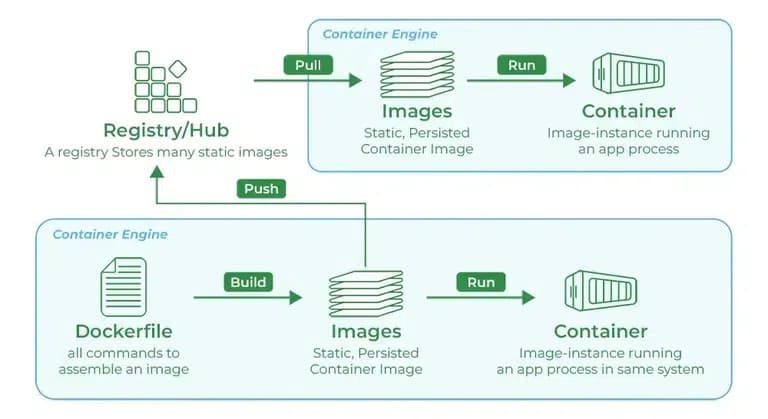
While you're working with registries, you might hear the terms registry and repository as if they're interchangeable. Even though they're related, they're not quite the same thing. A registry is a centralized location that stores and manages container images, whereas a repository is a collection of related container images within a registry. Think of it as a folder where you organize your images based on projects. Each repository contains one or more container images.
A6 min
 Backend
JavaScript Microtasks and Macrotasks: A Practical Guide to the Event Loop
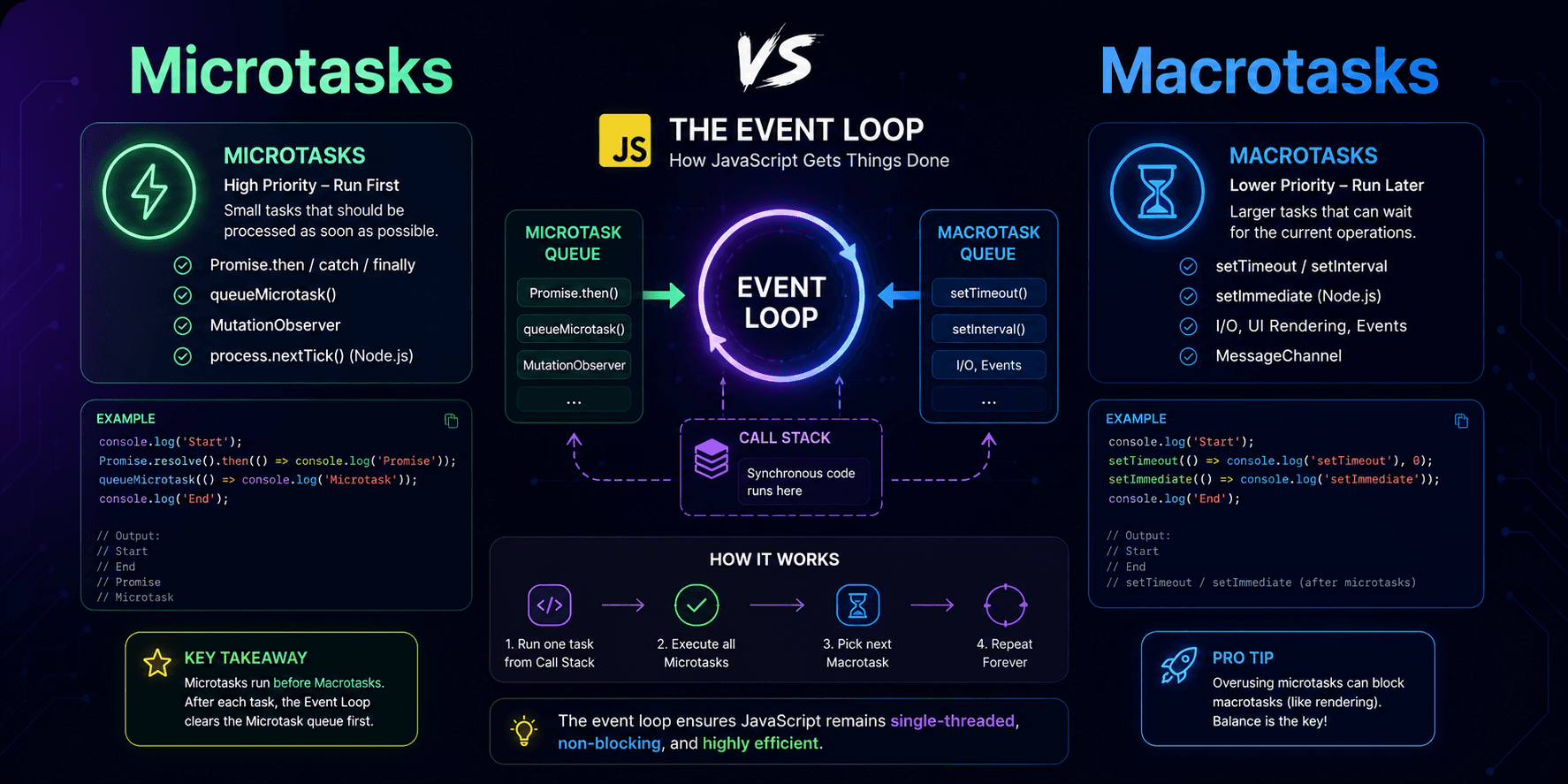
This article explains JavaScript microtasks and macrotasks in practical terms, showing why `Promise.then()` usually runs before `setTimeout(..., 0)` and how the event loop prioritizes different kinds of asynchronous work.
A1 min
 Database
Why PostgreSQL Remains the Best Database Choice 2025 and 2026
Discover why PostgreSQL continues to dominate as the preferred database solution in 2025. Learn about its advanced features, cost-effectiveness, scalability, and see practical examples that demonstrate why developers and enterprises choose PostgreSQL for modern applications.
A4 min