Frontend
When to Use useCallback in React: A Complete Guide with Real Examples
Learn when and why to use React's useCallback hook to optimize your application's performance. This comprehensive guide covers practical use cases, real-world examples, common pitfalls, and best practices to help you make informed decisions about memoizing functions in your React components.
A
Written byasta-nguyen
02 Oct 20252 min read756 views
#Introduction
The useCallback hook is one of React's performance optimization tools that helps prevent unnecessary re-renders by memoizing function references between renders. However, it's often misused or overused, leading to more complexity without real performance gains. This guide will help you understand exactly when useCallback is beneficial and when it's unnecessary.
#What is useCallback?
useCallback is a React Hook that returns a memoized version of a callback function that only changes if one of its dependencies has changed. It caches a function definition between re-renders until its dependencies change.
Syntax:
Code
Loading…
#When You SHOULD Use useCallback
#1. Passing Functions to Memoized Child Components
If a function is only used within the component and not passed anywhere, memoizing adds unnecessary complexity.
Code
Loading…
#2. Functions Without Dependencies
If your callback has no dependencies or the component rarely re-renders, useCallback adds unnecessary overhead without providing any benefit.
#3. Every Function in Your Component
Overusing useCallback on every function makes code harder to read and maintain without real performance gains.
Benefits of useCallback
•
Performance optimization by preventing unnecessary re-renders
•
Selective rendering of child components
•
Preventing memory leaks by avoiding function recreation
•
Stable function references for event listeners and effects
Drawbacks and Trade-offs
•
Increased code complexity that can be harder to understand
•
Memory overhead from memoization itself
•
Potential bugs if dependency array is incorrect
•
Premature optimization when performance issues don't exist
#Best Practices
•
Only use when needed: Measure performance first. Don't use useCallback everywhere "just in case".
•
Use functional updates: When updating state based on previous value, use functional updates to avoid adding state to dependencies:
Code
Loading…
•
Keep dependency arrays accurate: Always include all variables used inside the callback.
•
Pair with React.memo: useCallback is most effective when used with React.memo on child components.
•
Profile before optimizing: Use React DevTools Profiler to identify actual performance bottlenecks before adding memoization
Real-World Example: Form with Multiple Fields:
Code
Loading…
#Conclusion
Use useCallback when you genuinely need referential equality for functions—primarily when passing them to memoized child components or using them as dependencies in other hooks. Don't use it everywhere by default, as premature optimization can make code harder to maintain without delivering real performance benefits.
Remember: Profile first, optimize second. React is already quite fast, and most applications won't benefit from aggressive memoization. Use useCallback strategically, where it actually makes a measurable difference.
Filed under
FrontendReactNextjs
A
View all postsAbout the author
asta-nguyen
Sharing ideas and building in public.
Loading comments...
Keep reading
More from asta-nguyen
 Frontend
Animation Keywords
Animation Keys is a collection of essential UI animation terms that explain how motion can guide attention, provide feedback, show relationships between states, and improve the overall user experience in digital products.
A2 min
 Backend
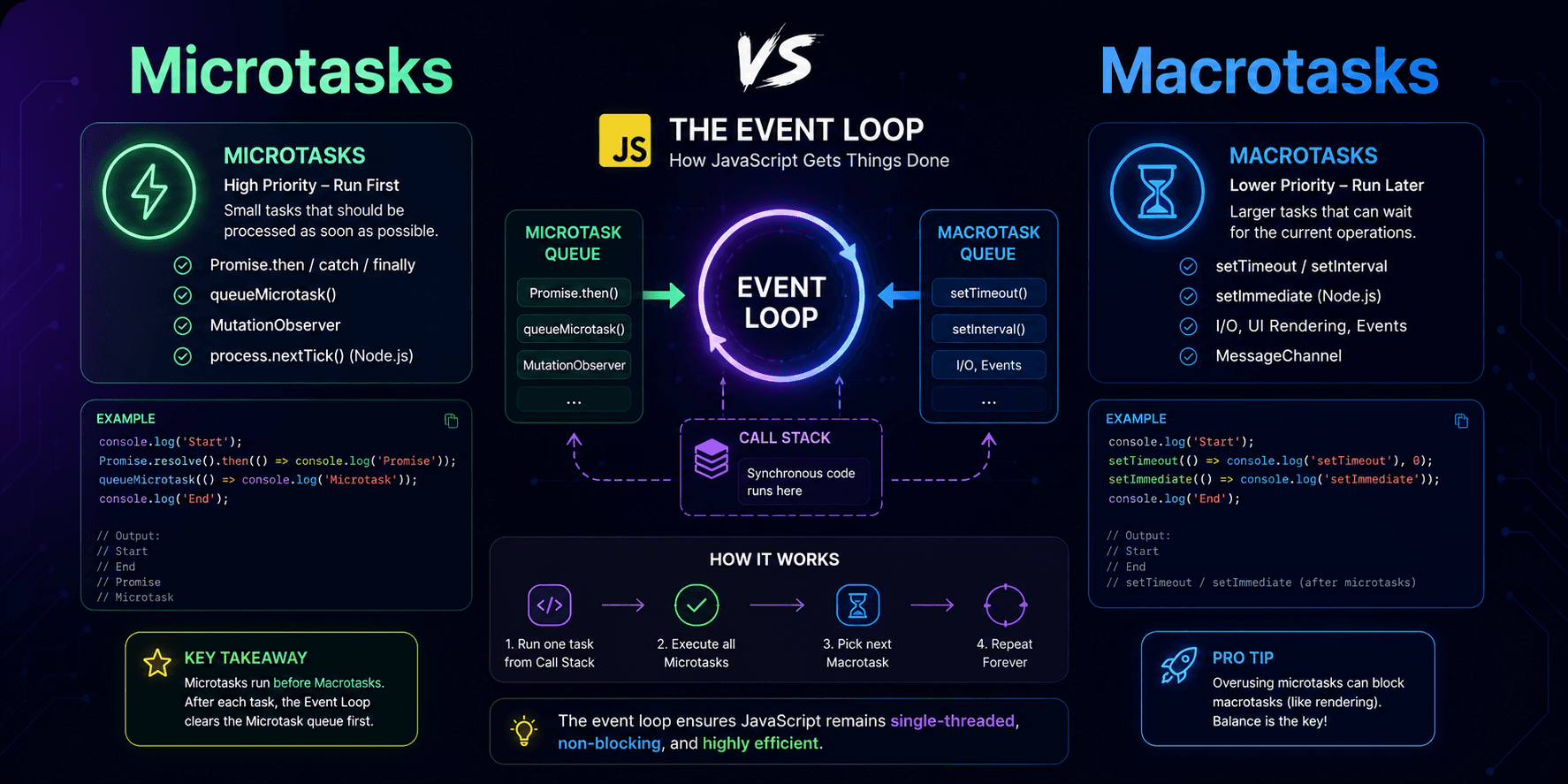
JavaScript Microtasks and Macrotasks: A Practical Guide to the Event Loop
This article explains JavaScript microtasks and macrotasks in practical terms, showing why `Promise.then()` usually runs before `setTimeout(..., 0)` and how the event loop prioritizes different kinds of asynchronous work.
A1 min
 FrontendFeatured
Next.js Link vs Anchor Tag: The Ultimate Guide to Fast Navigation
Discover why the Next.js Link component outperforms traditional anchor tags for internal navigation. Learn the key differences, performance benefits, and practical implementation with real-world code examples to optimize your Next.js application.
A3 min